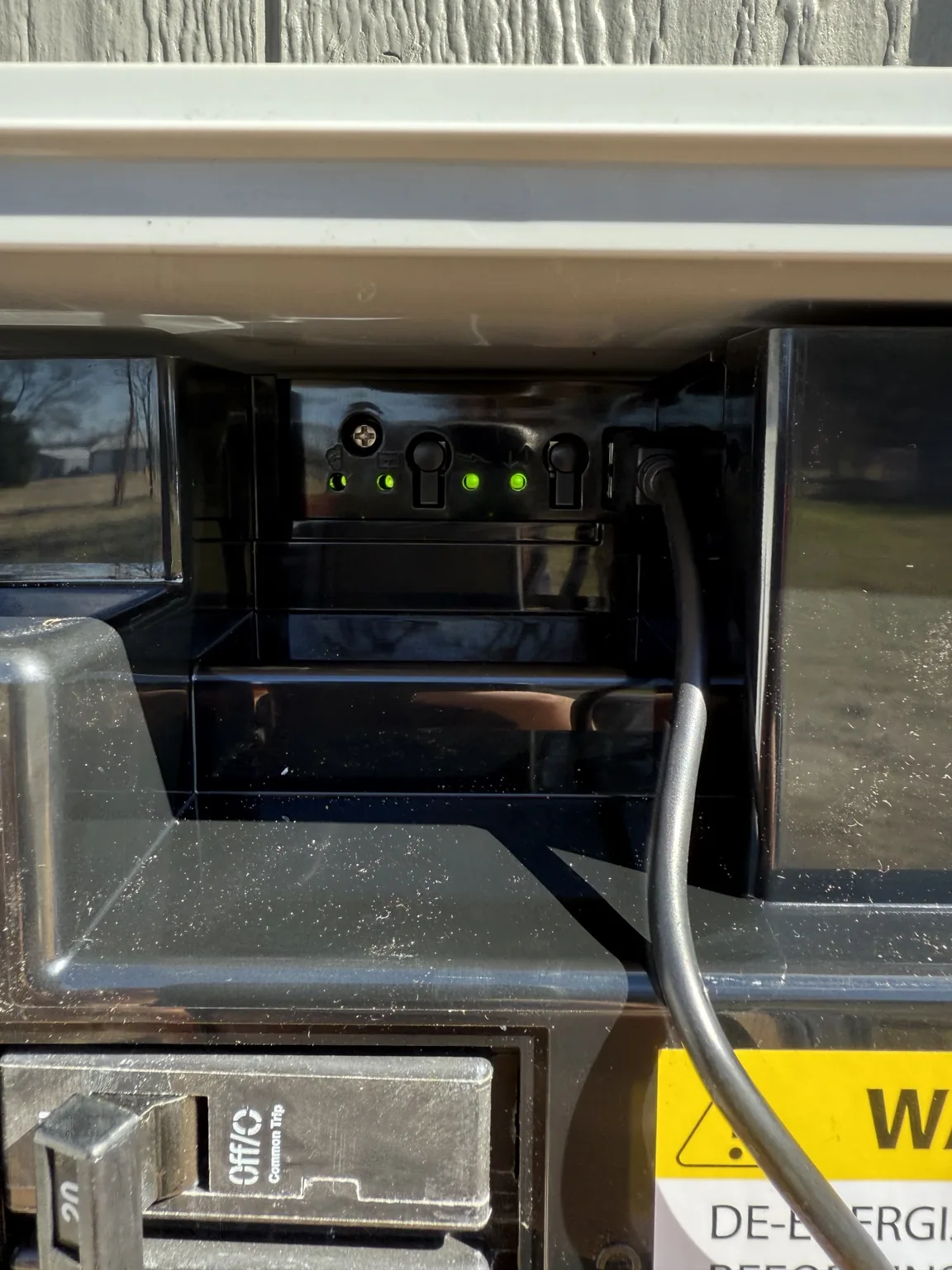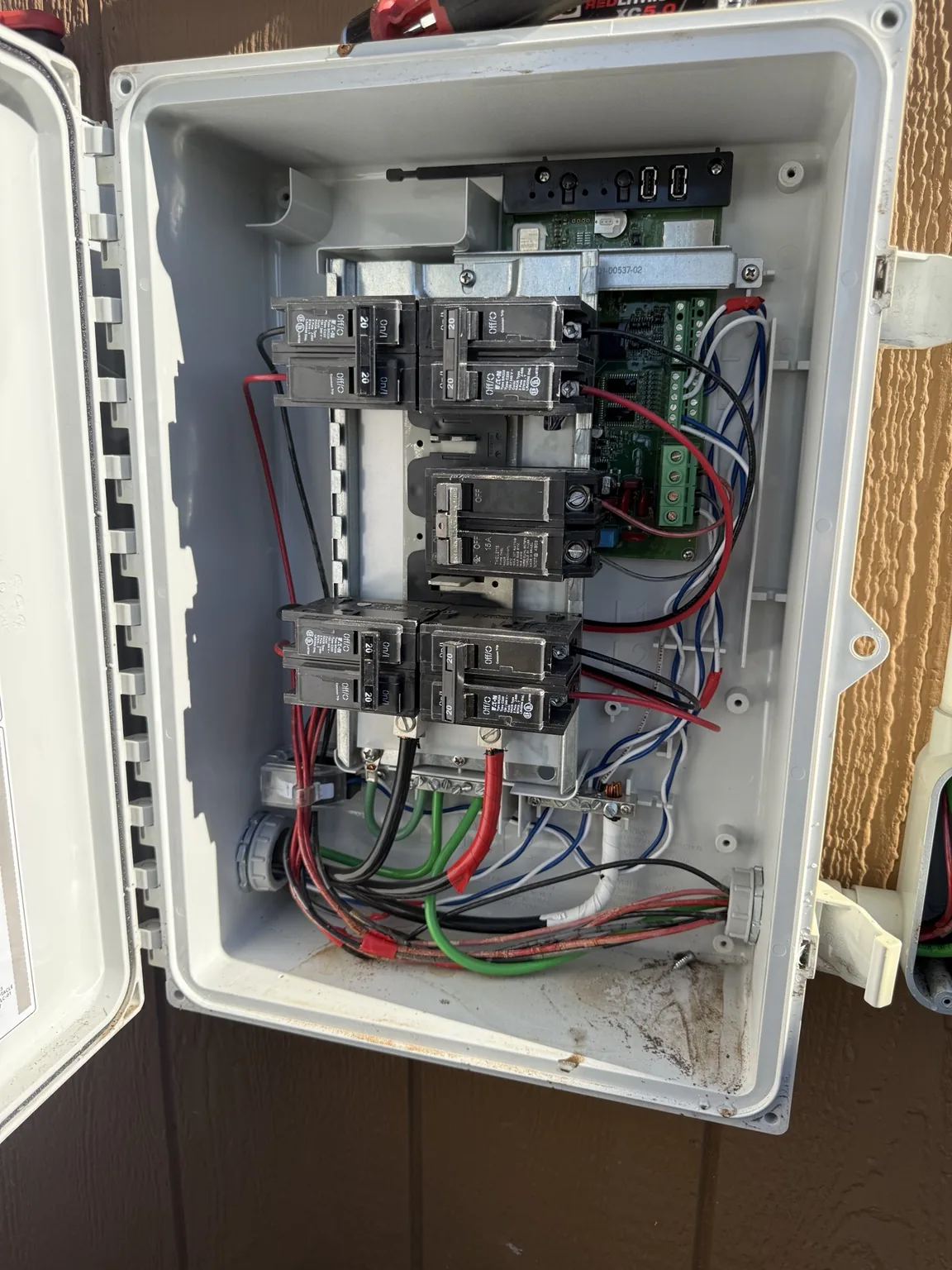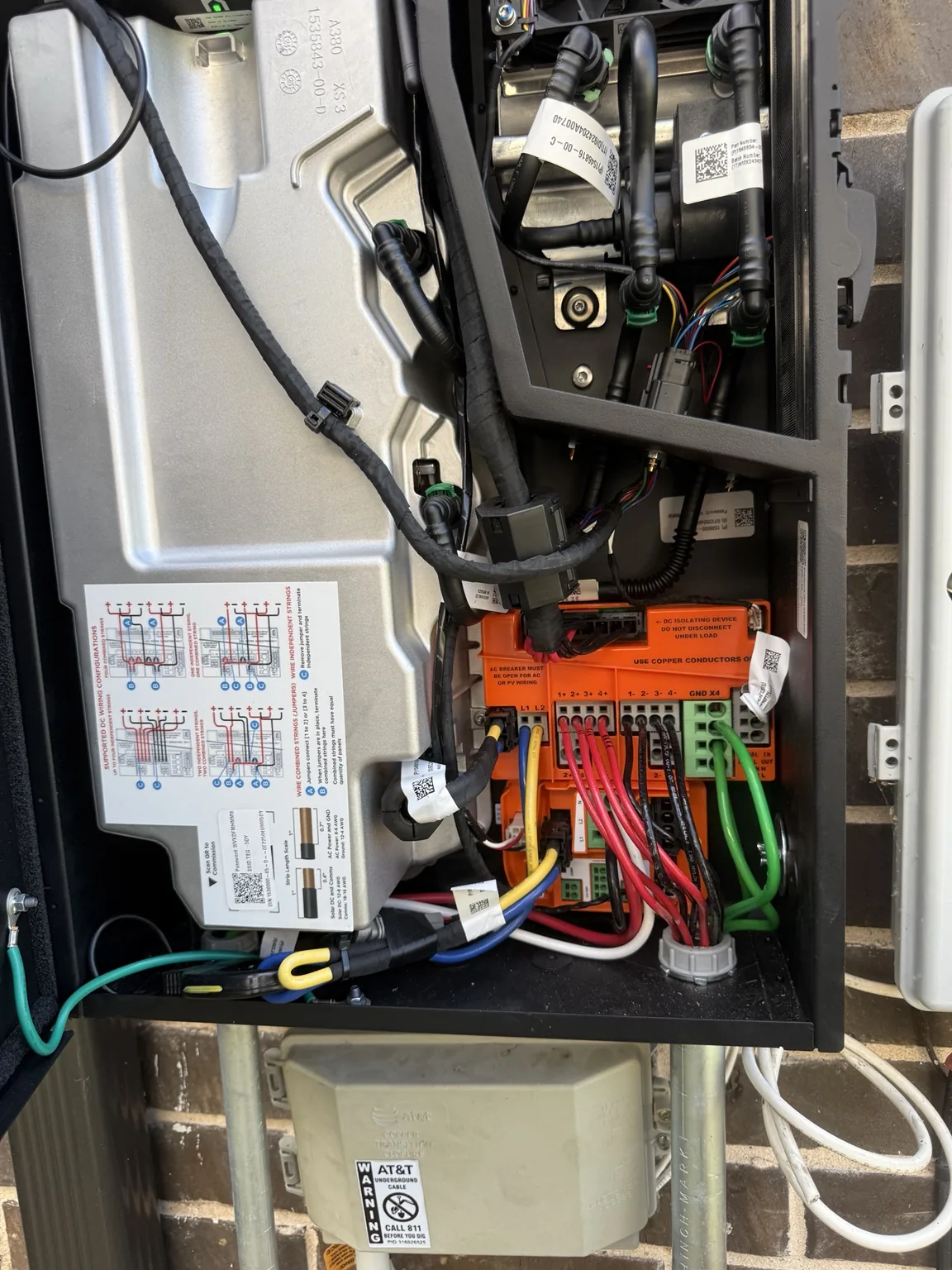
How do I record the issue?
Use a screenshot if the warning appears in the app. If a label or display is safely visible without opening or approaching damaged equipment, take a photo. Write down whether the warning is constant, intermittent, or appears at a particular time.
Keep the full code, including letters, numbers, and punctuation. Describing only “the red light” may leave out information needed to identify the correct manufacturer guidance.
Does a warning mean the inverter needs replacement?
Not necessarily. A message is evidence for a review, not a parts order. Ask the contractor what must be checked before deciding whether the inverter, another component, or a communication issue is involved.
For supported SolarEdge equipment, manufacturer guidance distinguishes production indicators from communication indicators. Always use instructions for the exact model rather than applying that example to every brand.
What should I avoid?
Do not remove covers, test voltage, or unplug solar wiring. Do not repeatedly restart equipment to clear an unresolved warning. Get guidance specific to the system and the circumstances.
If physical damage or an immediate hazard is present, keep away. A cleared screen message does not certify that damaged equipment is safe.
How do I ask a professional for help?
Send your city, equipment make/model if known, the complete warning, and a short timeline. Mention recent roof work, outages, or service.
Ask for the diagnostic scope and a separate repair quote if parts or additional work are required. Any warranty questions should be checked against the actual equipment documents; no coverage or replacement approval is assumed.