First, check when the reading was updated
An old app reading does not establish what your solar system is doing right now. SolarEdge explains that production and communication are separate. Begin by recording the reading’s timestamp and the exact message instead of assuming the inverter has failed.
SolarEdge says mySolarEdge data usually refreshes about every 15 minutes. Check the dashboard or Site Details for the latest update. Its guidance calls for checking communication when data is over 24 hours old. See the official missing-production-data guidance.
Record the symptom that matches your screen
| Your observation | Send this information |
|---|---|
| An old timestamp or no new app data | The last update, whether data was ever visible, and any recent router or internet changes. |
| A current zero-output reading during daylight | The exact time, screen, model if known, and any alert shown. |
| An inverter code or warning | The full code, when it appeared, whether it repeats, and a safe exterior photo. |
| Only part of the array looks affected | The affected portion, date range, and comparison with its earlier readings. |
These observations organize a request; they are not a diagnosis or an instruction to reset the equipment.
Avoid reading every warning as a failed inverter
SolarEdge notes that not every error means a production problem, and PV production is not expected at night. Its indicators and display instructions differ by inverter type. Use the documentation for your model rather than a universal LED or reset rule. SolarEdge production and system guidance.
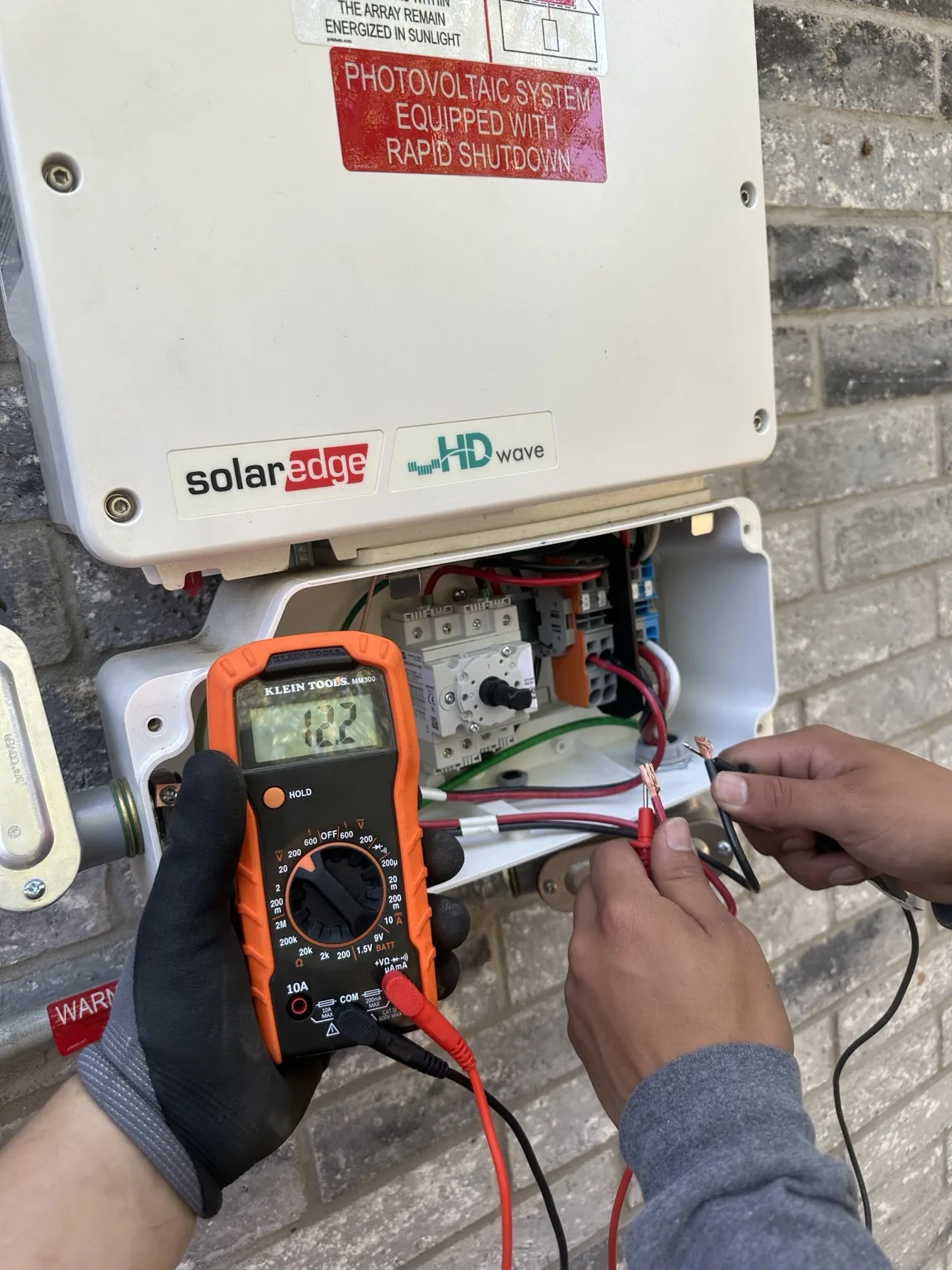
Do not open the inverter, disconnect components, or attempt a repair yourself. If a label is not safely accessible, leave it for the service professional.
Request a SolarEdge system review in DFW
Sun Ray Solutions can review your request using the equipment model, symptoms, and available records. Model support, account permissions, and any manufacturer requirements are confirmed before work is agreed. This homeowner guide does not claim SolarEdge authorization or certification.
A $200 nonrefundable service deposit covers the on-site visit and initial assessment for repair, diagnostic, and maintenance requests. If you approve repairs, the $200 is credited toward the total. If you decline repairs, the fee is retained for the visit and assessment. Additional work is quoted for approval.
There is no travel fee within our confirmed service area. If your original installer has closed, include any existing support case and installation records. Help after your installer closes
A useful message takes less than a minute
Attach a dated screenshot when texting. You can request help without a password, roof inspection, or equipment reset. Use the full service checklist
Has the system been down for months or years?
Bring the last known working date, current readings, and any earlier repair records. A long gap in monitoring is different from a confirmed equipment shutdown. Plan a review of a long-inactive solar system